

Searching: First Select an Asset
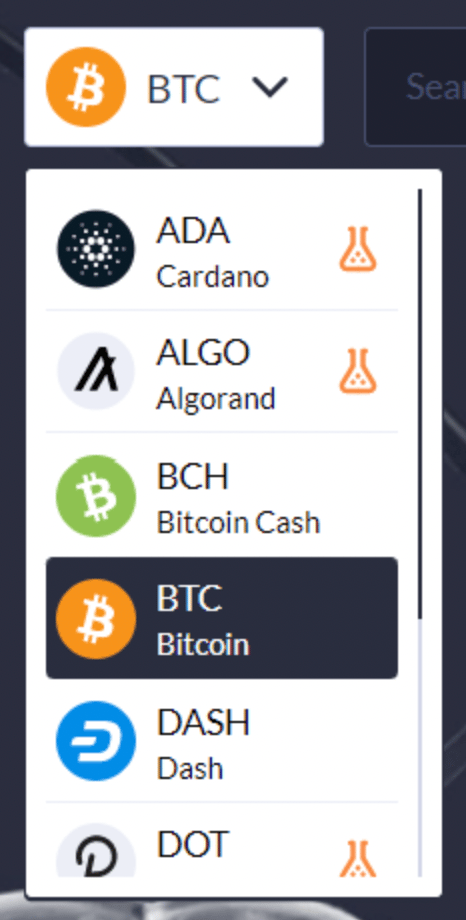
Click on the button to the left of the search field and select an asset from the drop down menu.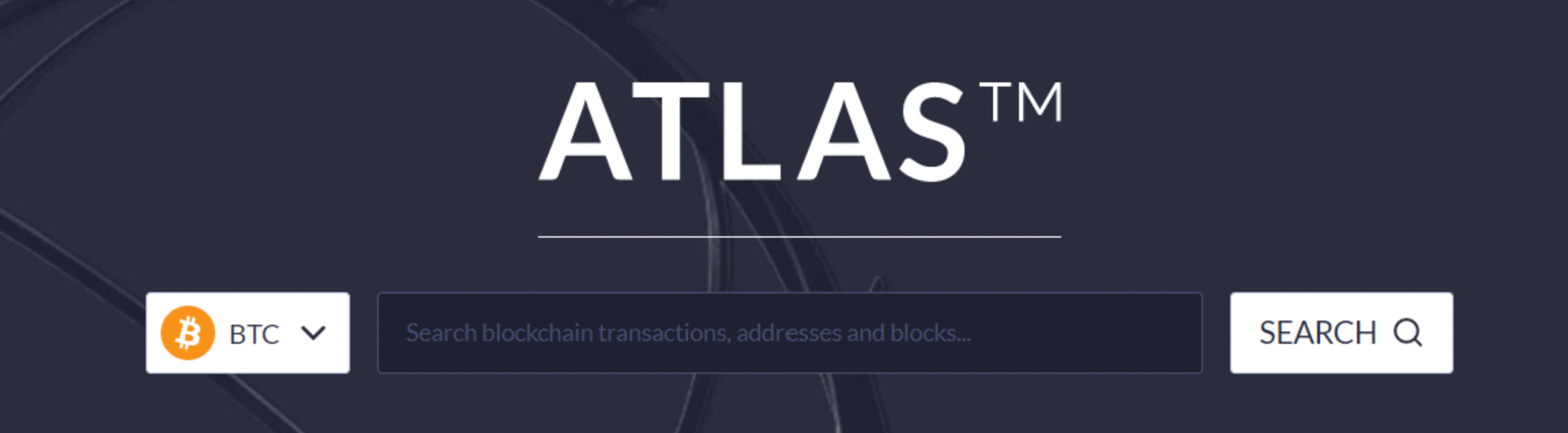
Searching Blocks
To search for a block, enter the block hash or block height after selecting the appropriate asset chain. Click the Search button to return results.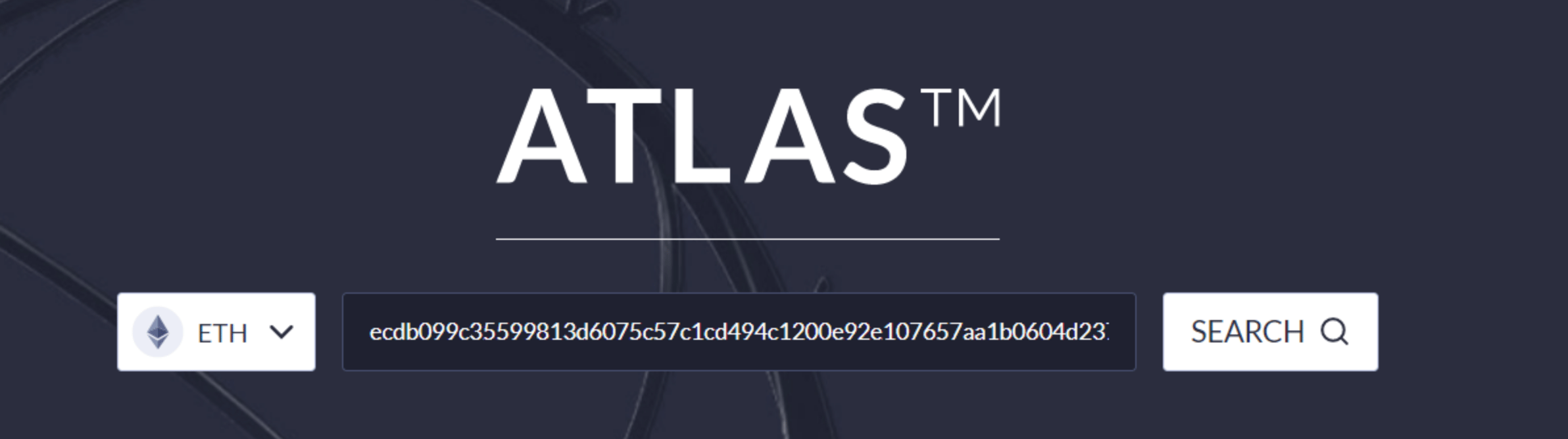
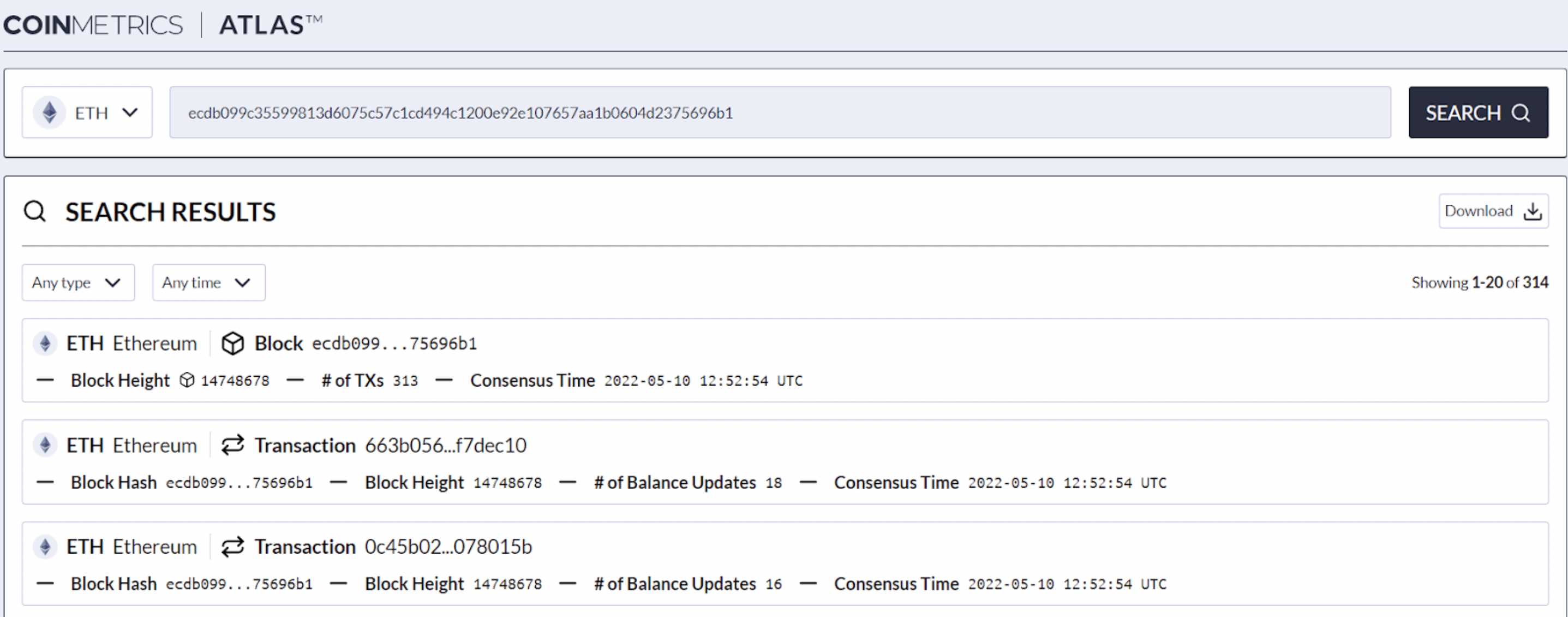
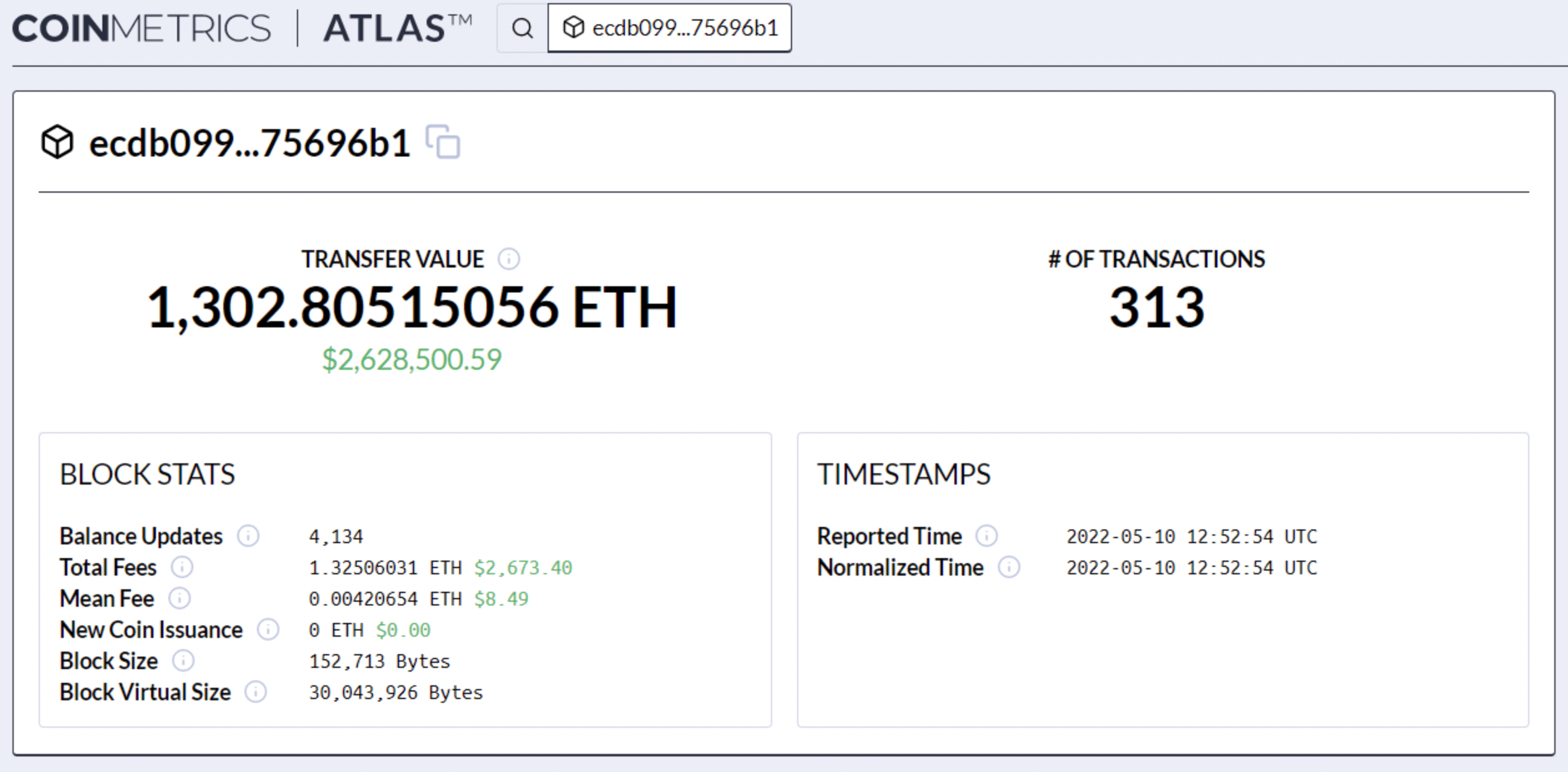
- Transfer Value: The total amount transferred (sent) by all transactions in the block. The amount transferred is shown in both the native value of the coin and the current USD value.
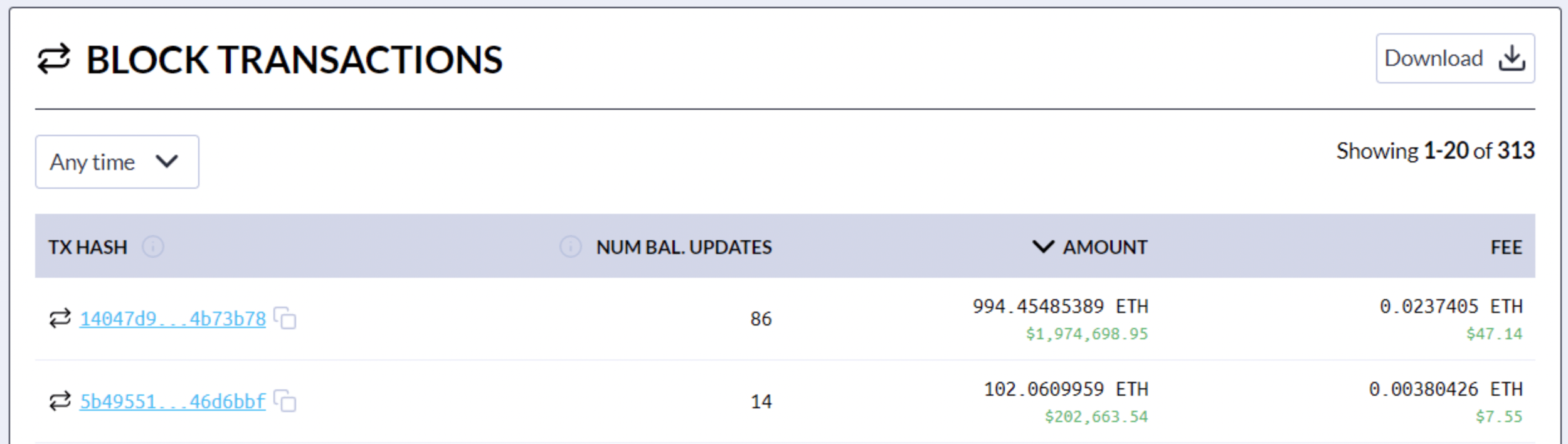
- Number of Transactions: Total number of transactions in the block.
- Balance Updates: Number of changes to the balance of an account/address as a result of the transactions in the block.
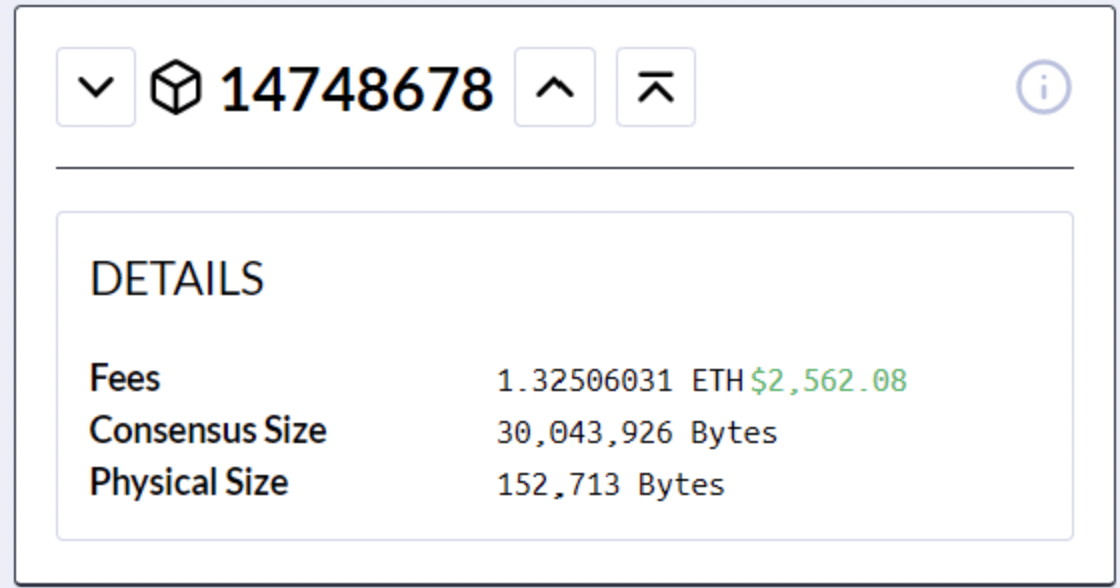
- Total Fees: Sum of all fees paid within the block.
- Mean Fee: Average fee paid for a transaction within the block.
- New Coin Issuance: Reward issued to the miner/validator who produced the block.
- Block Size: Total size in bytes of all transactions included in the block.
- Block Virtual Size: A block weight/size measurement (for SegWit transactions) with one vsize/vbyte being equal to four weight units.
- Reported Time: Timestamp put in the block header by the miner/validator.
- Normalized Time: Timestamp that provides accurate ordering - i.e., it is always greater than or equal to the parent timestamp.
Searching Addresses/Accounts
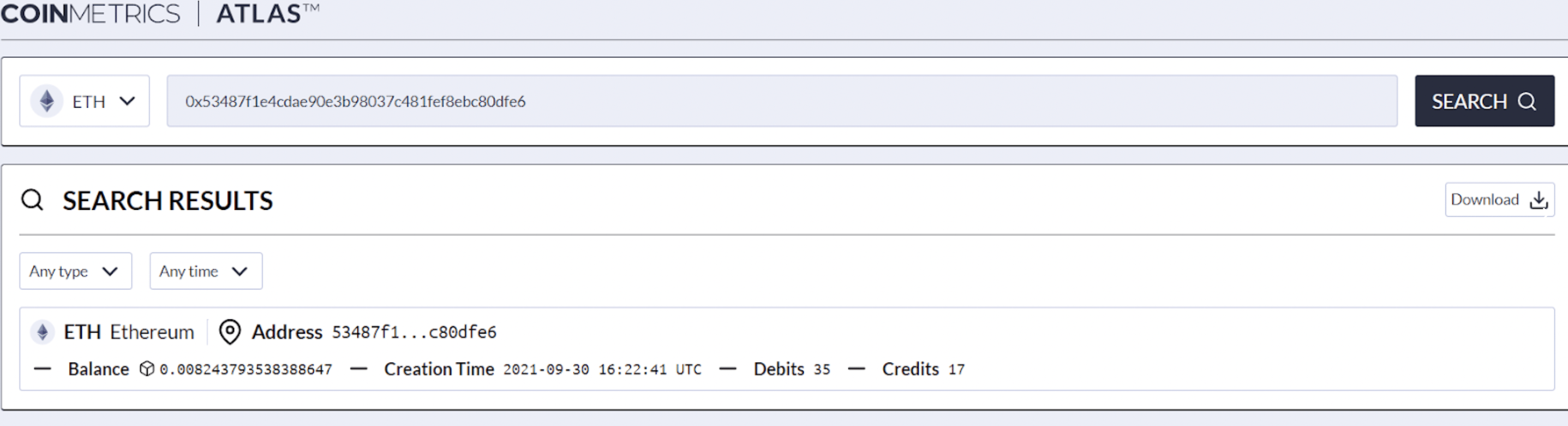
To search for an address/account, enter the address after selecting the appropriate asset chain. Click the Search button to return results.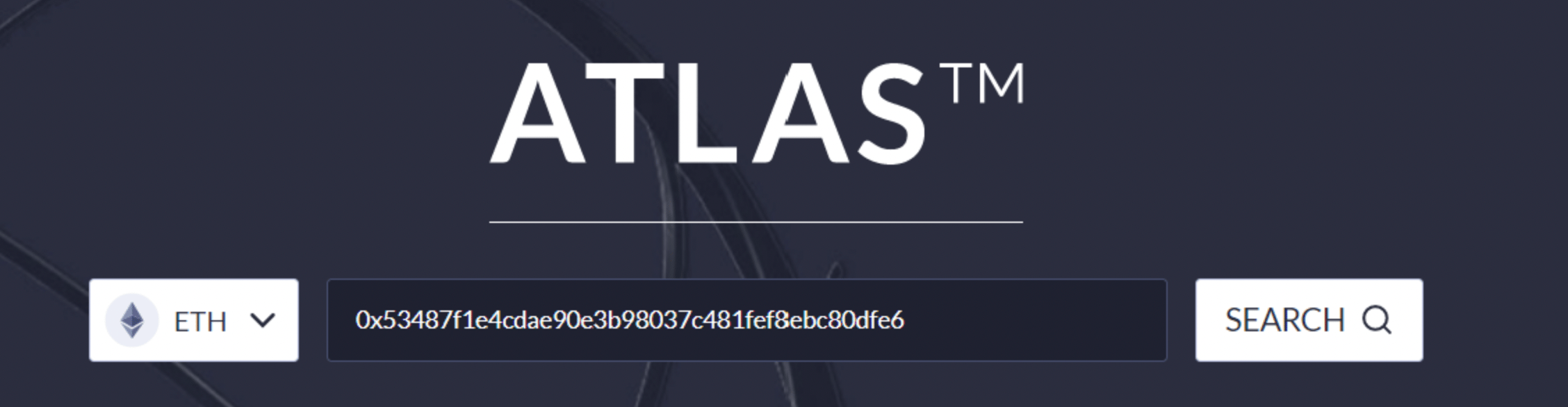
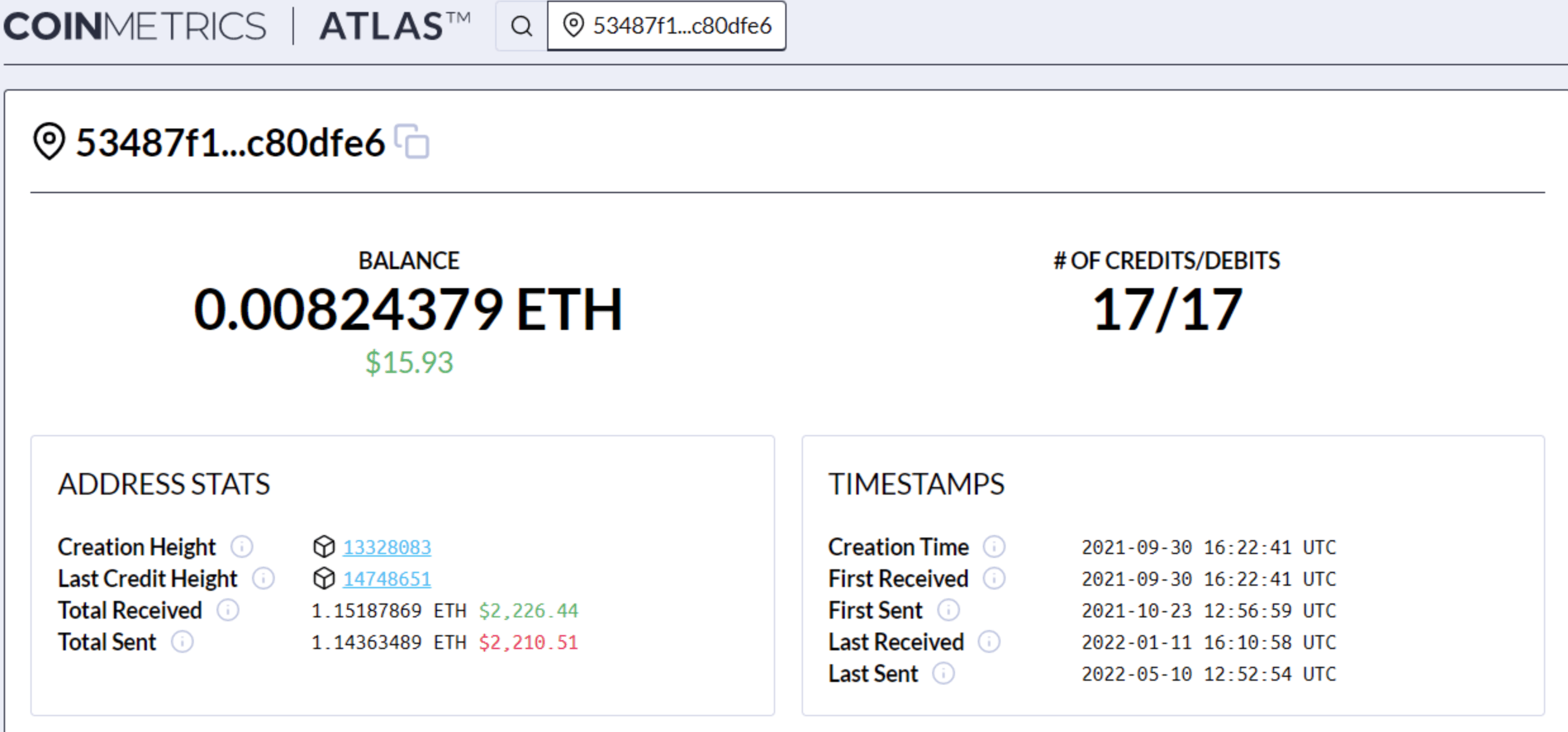
- Balance: Sum total value for this address/account (in both native units and current USD value).
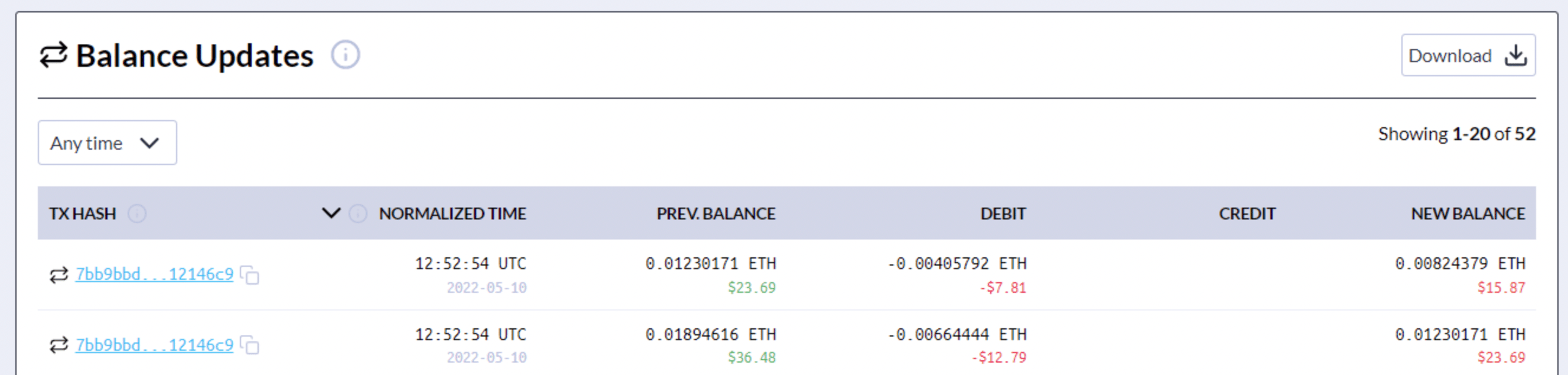
- Number of Debits/Credits: Number of times this account/address has been debited and credited (i.e., number of balance updates).
- Creation Height: Number of confirmed blocks in the blockchain at the creation of account/address.
- Last Credit Height: Number of confirmed blocks in the blockchain at the last credit for account/address.
- Total Received: Sum total this account/address has been credited (in both native units and current USD value).
- Total Sent: Sum total this account/address has debited (in both native units and current USD value).
- Creation Time: Time at creation of account.
- First Received: Time of first credit.
- First Sent: Time of first debit.
- Last Received: Time of last credit.
- Last Sent: Time of last debit.
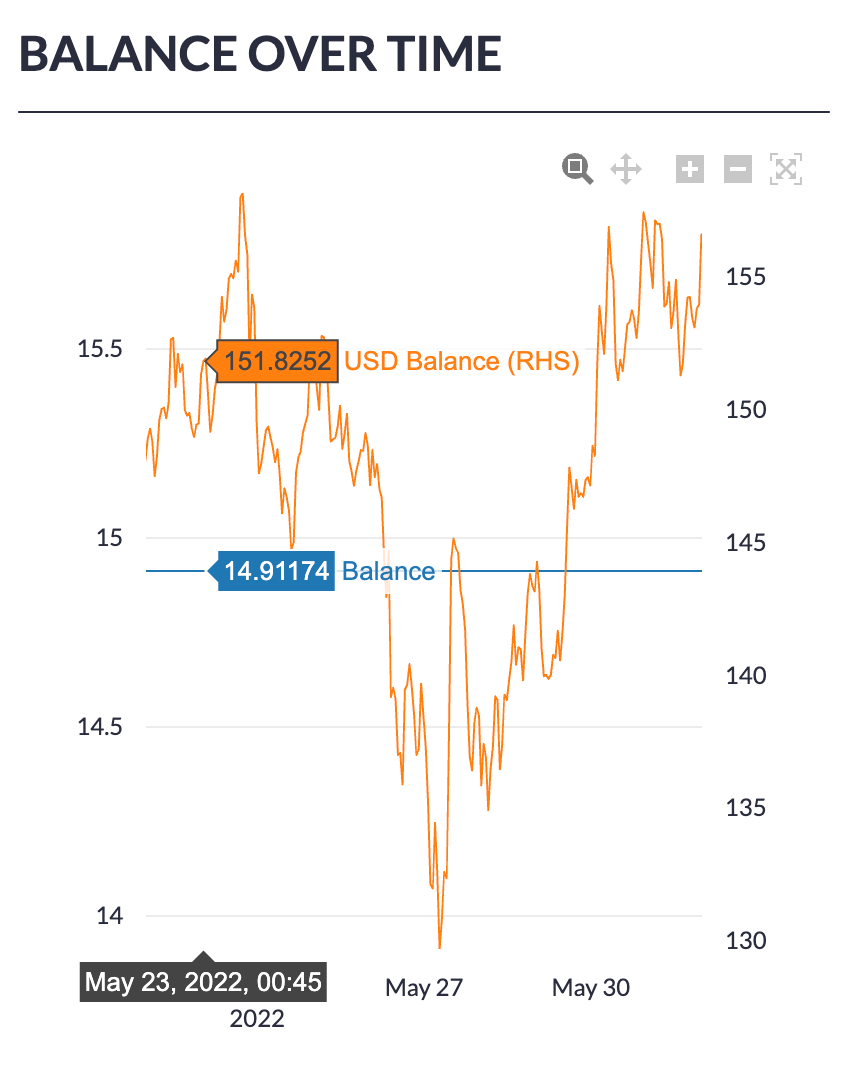
- Zoom to a specific time range with the Magnifying Glass icon
- Zoom in with the + icon
- Zoom out with the - icon
- To navigate left or right while zoomed in click the Pan Direction icon
- To restore the original scaling, click the autoscale button
Searching Transactions
To search for a transaction, enter the transaction hash after selecting the appropriate asset chain. Click the Search button to return results.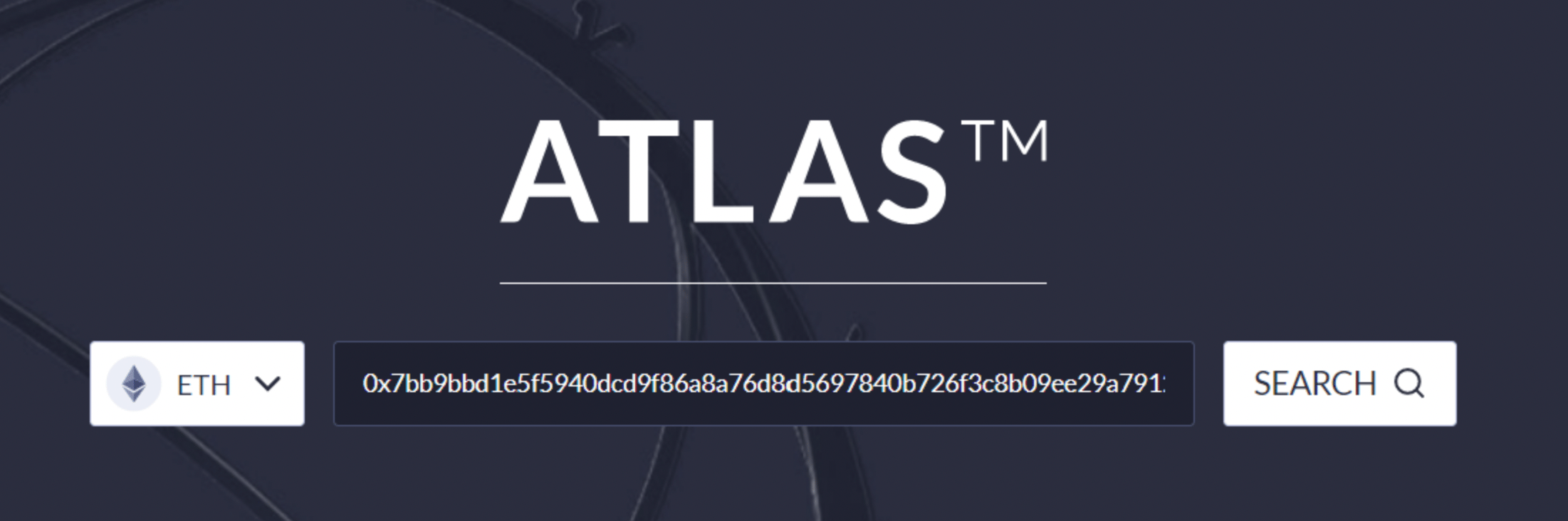
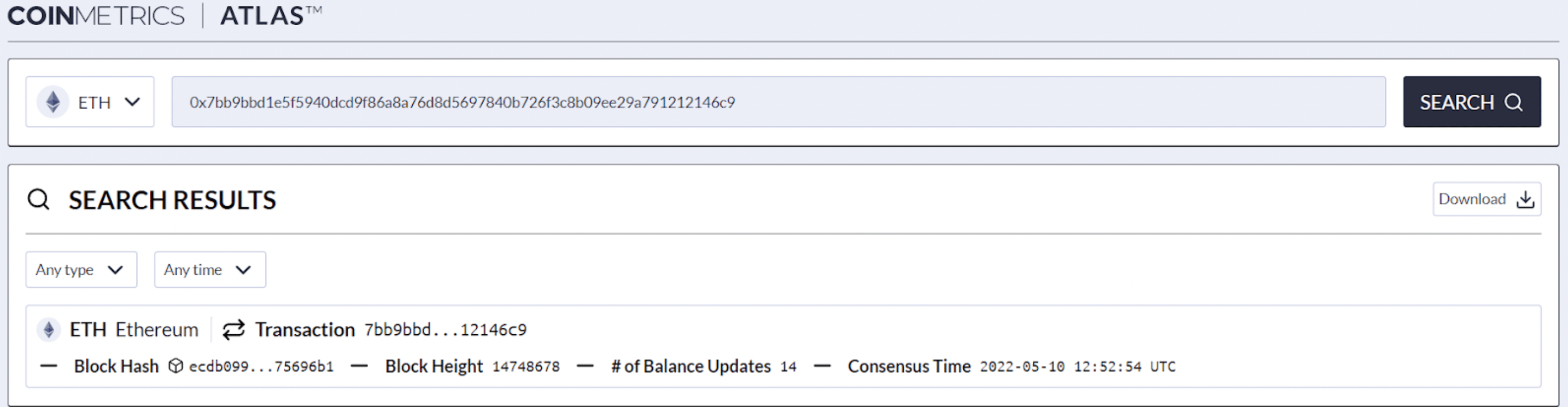
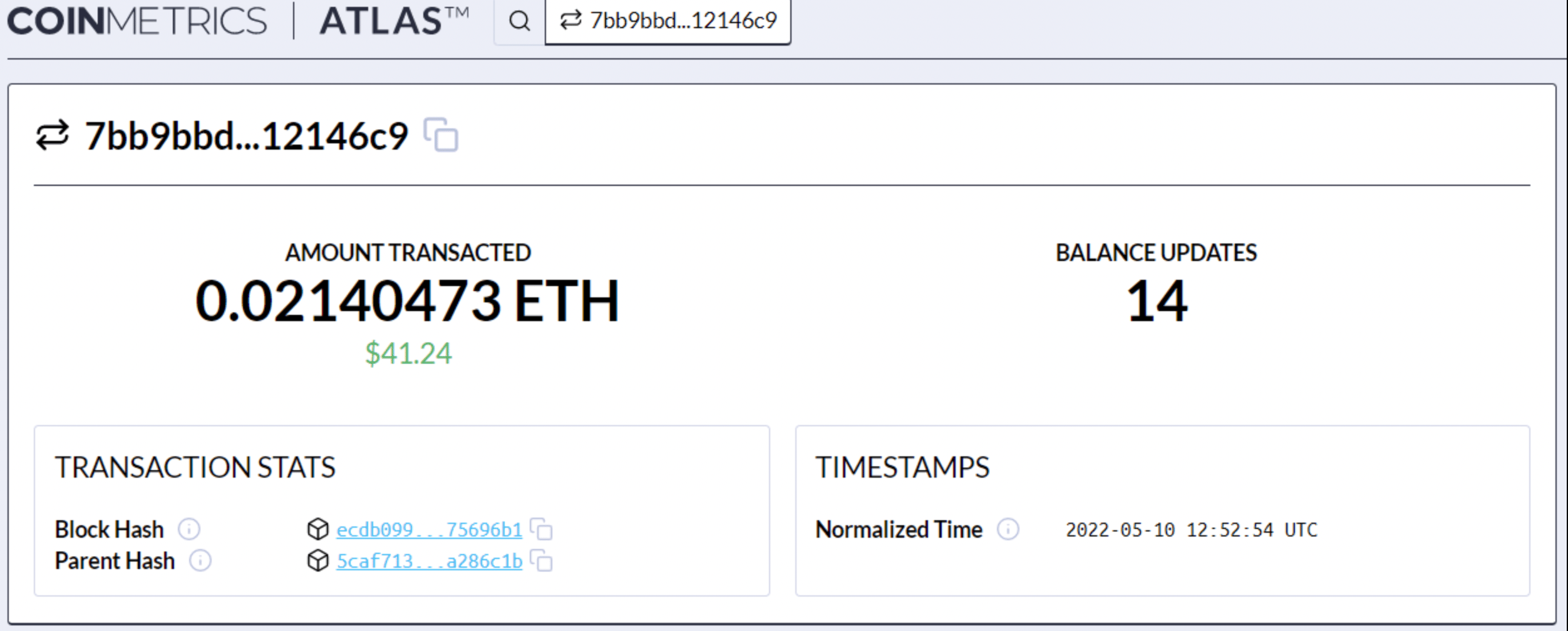
- Amount Transacted: Sum total in native units and current value USD of the amount transferred as part of this transaction
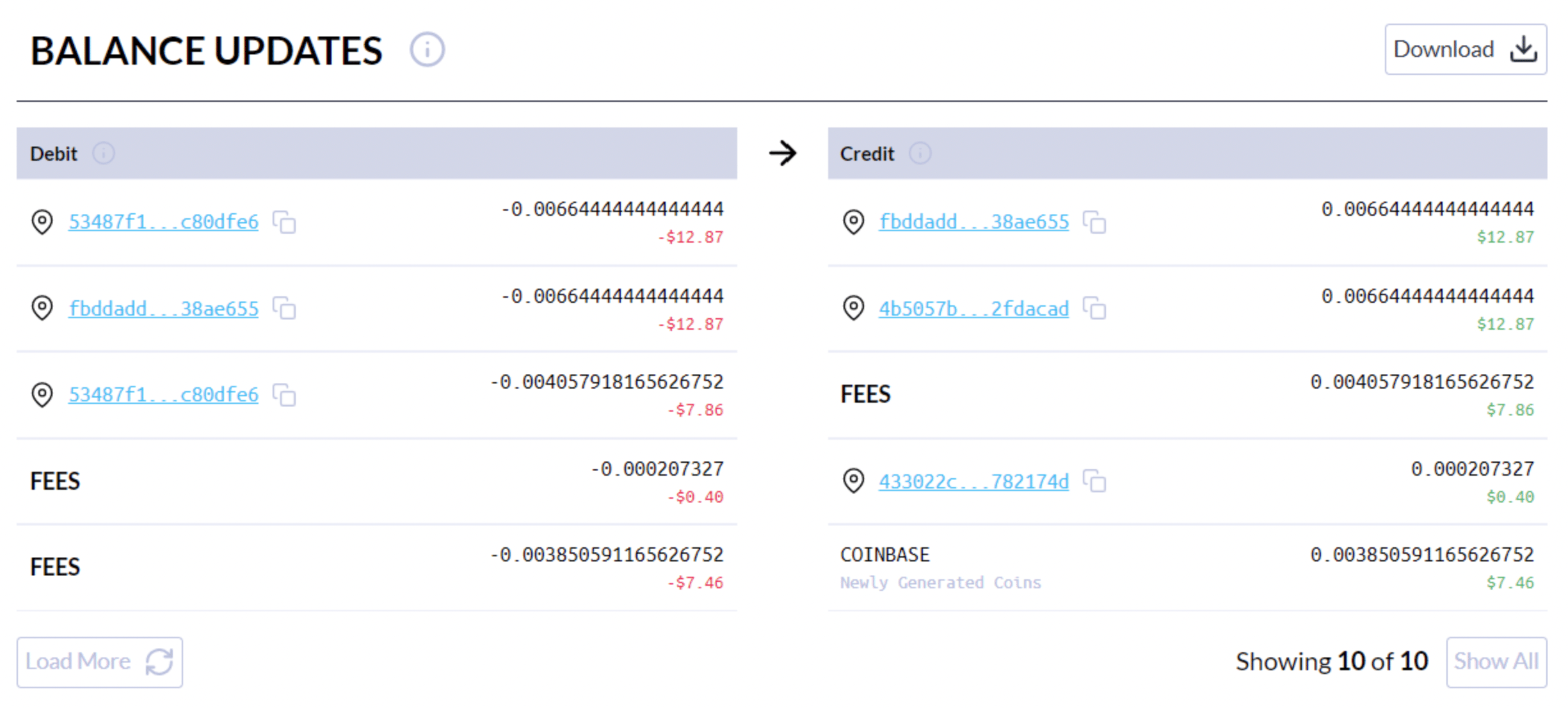
- Balance Updates: Number of individual account debits and credits as part of this transaction.
- Block Hash: Hash of the block (unique per block) containing the transaction.
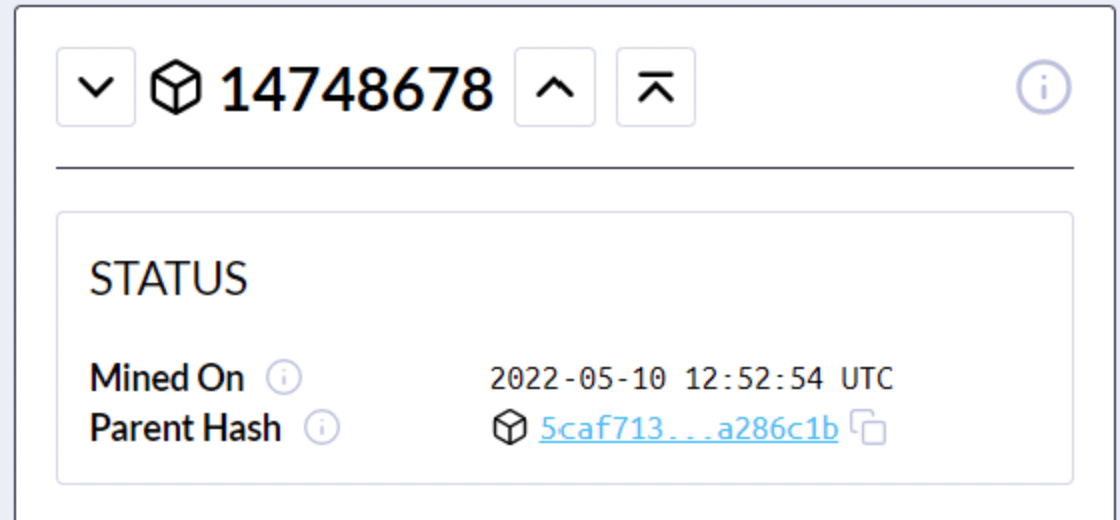
- Parent Hash: Hash of the parent block - i.e., the block at the previous height.
- Normalized Time: Time of the transaction. This “normalized” timestamp provides accurate ordering - i.e., it is always greater than or equal to the parent block timestamp.
Icon Glossary
| Item | Applicable Icon |
|---|---|
| Block |  |
| Address |  |
| Transaction |  |
| Info/Tool Tip |  |
| Experimental Crypto Asset |  |
| Download |  |