Formula Builder Overview
The formula builder allows you to transform the available Coin Metrics’ data series. For example, you can create your own ratios, add together USDT metrics, slice or splice time series, even customize the line colors and many more things. The formula builder editor and information can be found via the menu in the top left by clicking on the CM logo and selecting the “Formulas” button.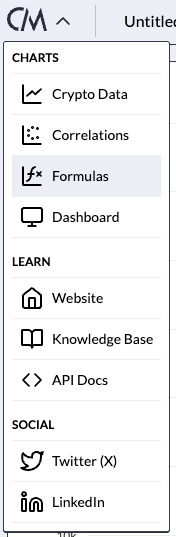
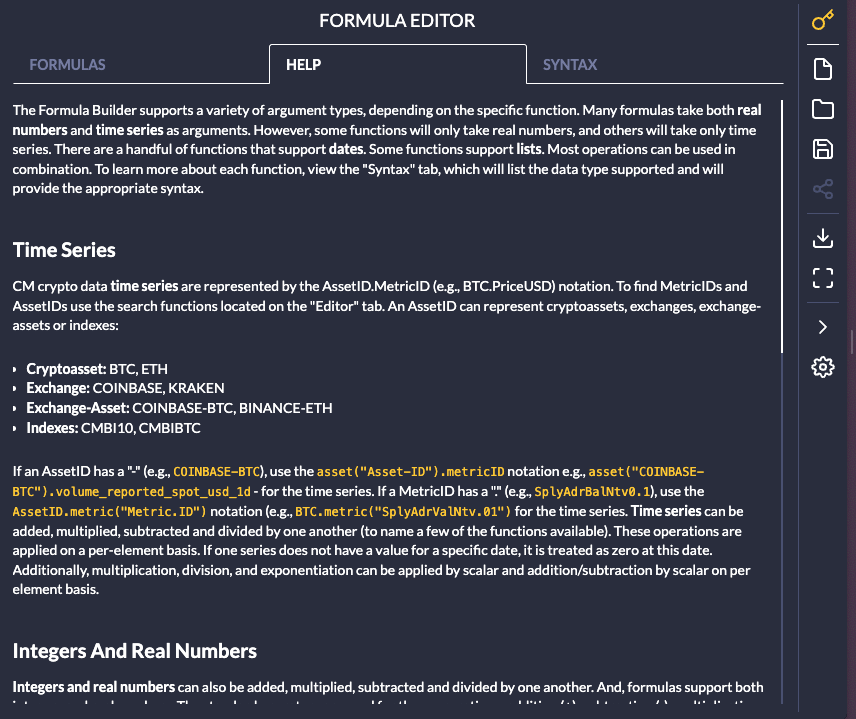
Formula Editor
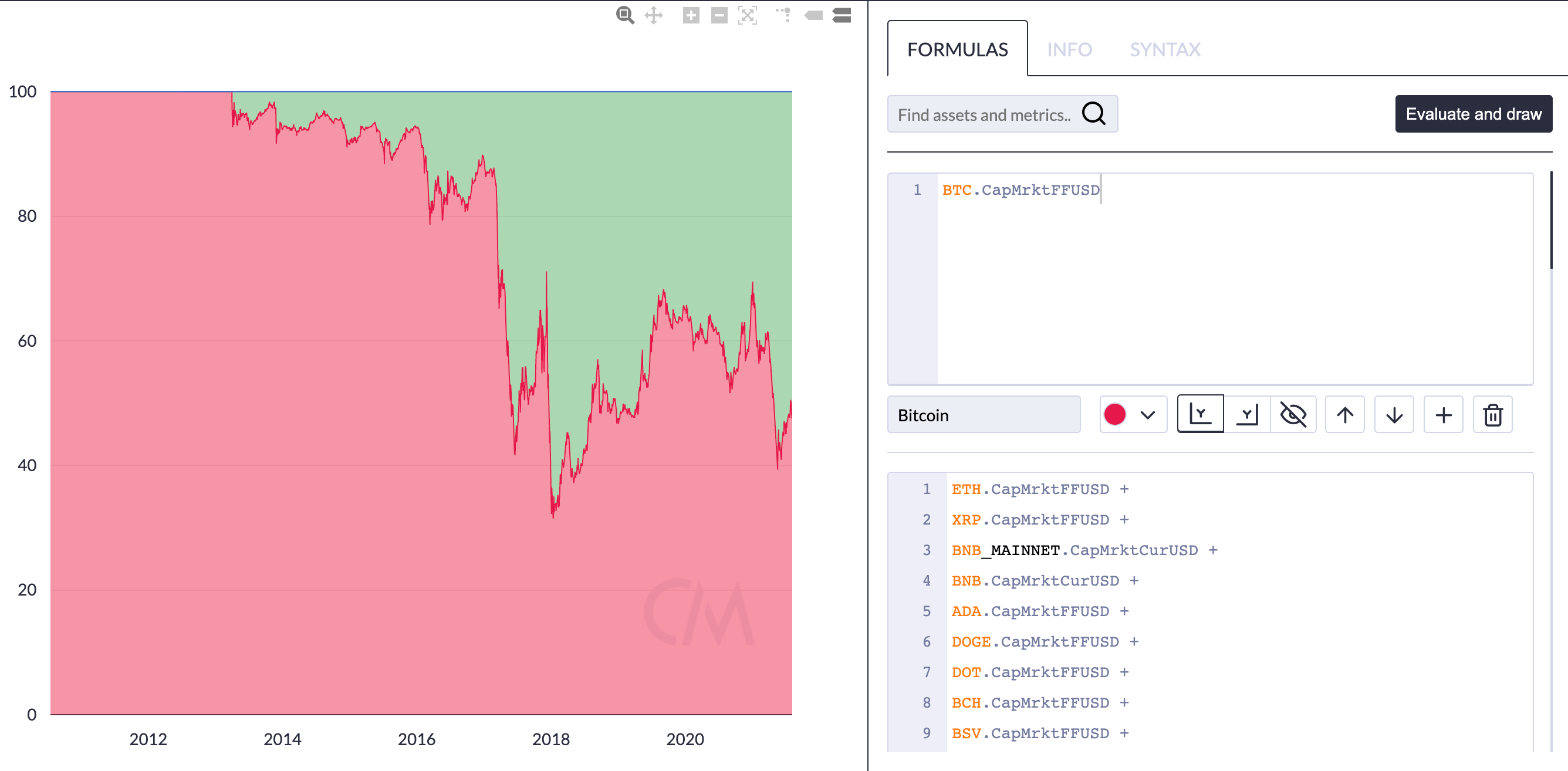
The formula editor is under the “Formulas” tab. An example of a very simple formula is shown below.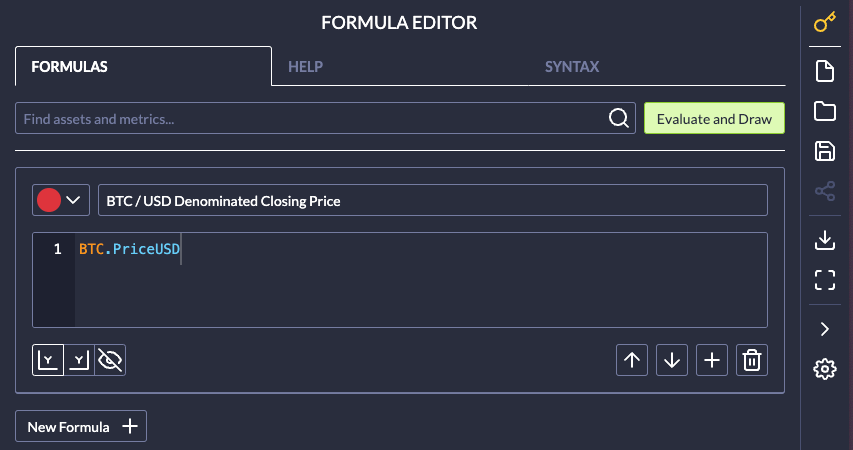
Syntax
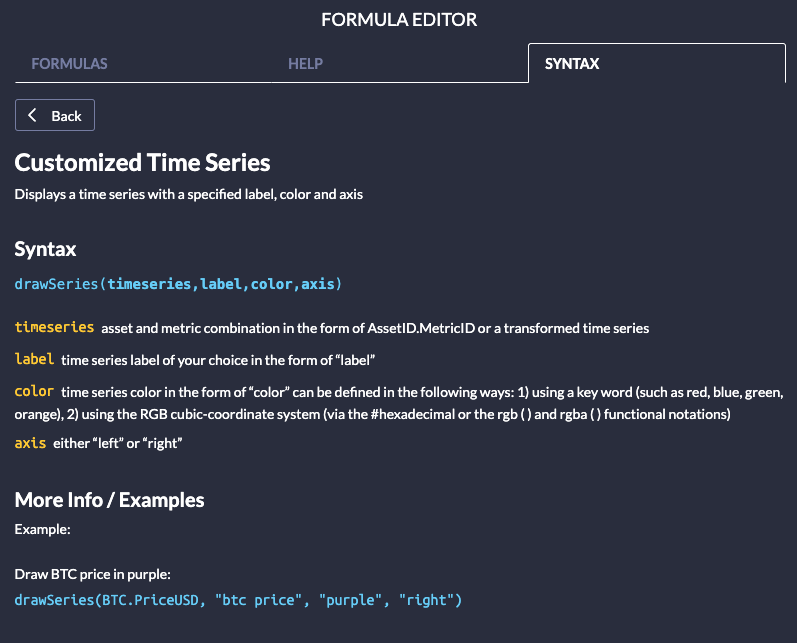
Specific syntax and syntax examples can be found on the “Syntax” tab. You can search for the specific “formula” in the “Search…” window or scroll through the list of available formulas. Once a formula is selected, further information on that formula (including the “syntax” and often an example) show up in the window.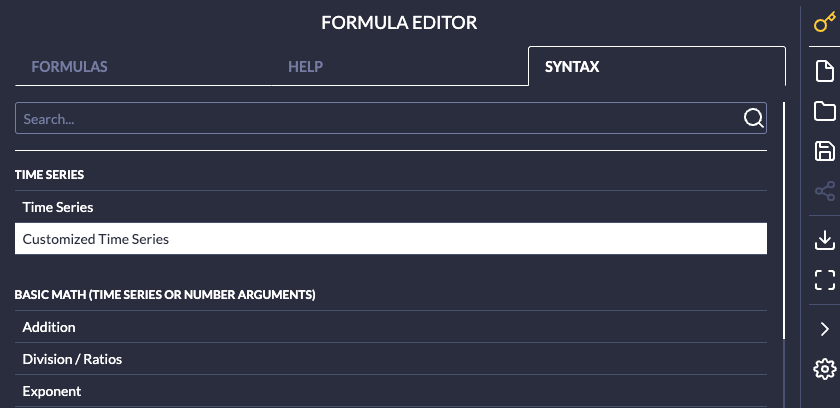
Chart/Formula Example
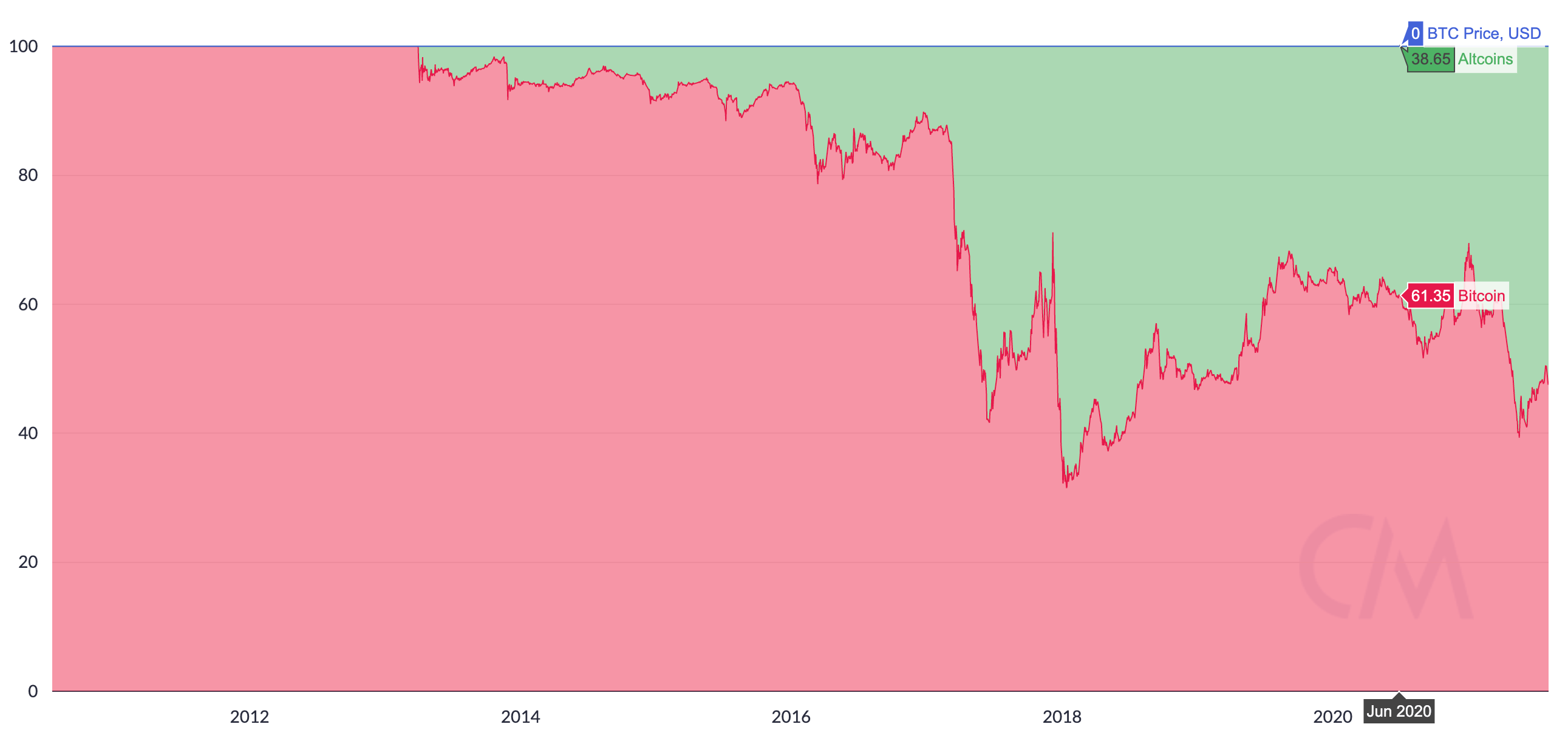
A great example of a Formula Builder Chart is this BTC Market Cap Dominance chart. This chart can be built easily in our Formula Builder.